
Comparison of Mobile Web, PWA, APK, and iOS
| Options | Does it require installation? | Compatible Devices | Main Test | Stop signals |
|---|---|---|---|---|
| Mobile Web | No | Modern Browser | Address and page fully load | Unknown redirect |
| PWA | Lightweight shortcut | Supported Browsers | Any page shortcut has been made | Claims to be a native App |
| Android APK | Yes | Compatible Android | Source, file, permission, Play Protect | Asks to disable security |
| iOS Options | Depending on the option | iPhone/iPad | Verifiable source and system prompt | Wants to provide Android APK |
If the task is done on mobile web, do not place unnecessary files.
Verify the source of the download
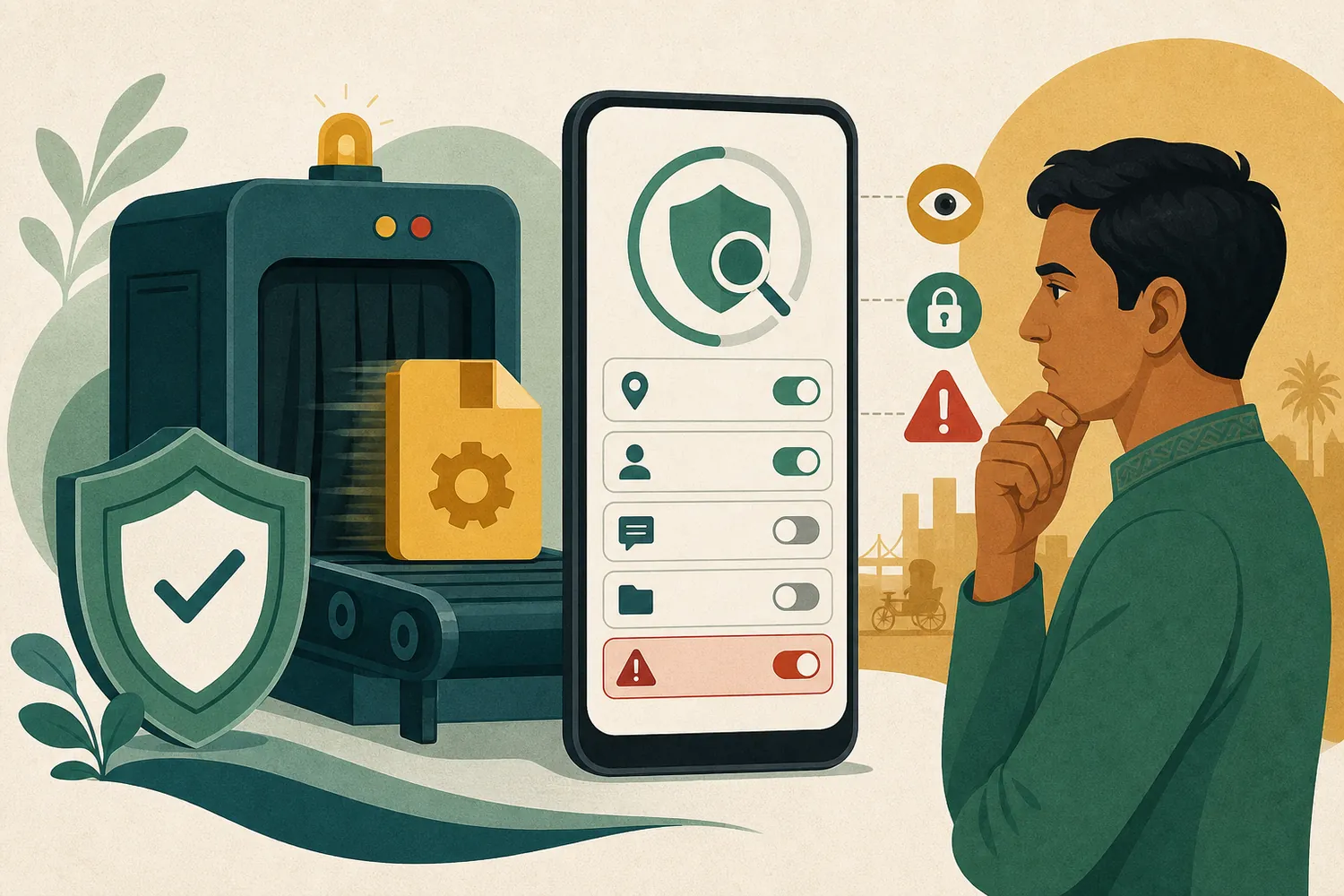
Only if you see the download section in your verified account, check the file name, version, update date, and platform. Different domains in search results or ownership of files with the same name do not prove ownership.
If you see a verifiable Android file in the download section, check the source, file name, permission, and Play Protect warnings before installation.
Before installing APK
- Keep Play Protect enabled.
- Check file and installer warnings.
- Understand the reasons for SMS, contacts, accessibility, or device-admin permissions.
- Do not disable security to avoid warnings.
Security is not disabled
If Play Protect blocks the file, verify the source again; do not disable protection just to finish the installation.
If not installed
Separate Storage, Android version, incomplete files, and old package conflicts. Do not repeatedly download files with the same name from different sources. Android APK does not run on iPhone.
If the mobile page does not open properly
- Test Wi-Fi and mobile data separately.
- Use refresh and private window once.
- Clear only that site's cache/cookie.
- Keep browser, date, and time updated.
Permissions and Updates
Update source Compare with the verified source for the first time. If you see unusual battery use, popups, or excessive permissions, consider uninstalling, scanning the device, and changing passwords from trusted devices.
App and APK questions
Is PWA and App the same?
No. PWA can be a browser shortcut; native App requires separate install and permissions.
Should I turn off Play Protect?
No. Verify the file and source again without turning off security for the install.
Does APK run on iPhone?
No, Android APK does not install directly on iPhone.