
Current status decision path
| Status | Check earlier | What not to do | Evidence to keep |
|---|---|---|---|
| Pending | ID, time, and processing window | Not the same request again | Status and time |
| Processing | Verification, limit, and account name | No rush to cancel/resubmit | Messages and timeline |
| Completed | Balance, history, and destination | Not just reading the text to finish | Status on both sides |
| Failed | Reason, limit, and return status | No fee on personal number | Error and transaction ID |
| Returned | Balance, main method, and reason | Not before new withdrawal | Return entry and time |
Use bKash, Nagad, Rocket, or Upay only if listed on the current payment page.
Before submitting
- Match receiver, amount, account name, and reference.
- Read limit, fee, and BDT/৳ unit from a single screen.
- Do not send money to the number of chat contact.
- Submit once and wait for the result.
Money has been deducted, balance has not increased
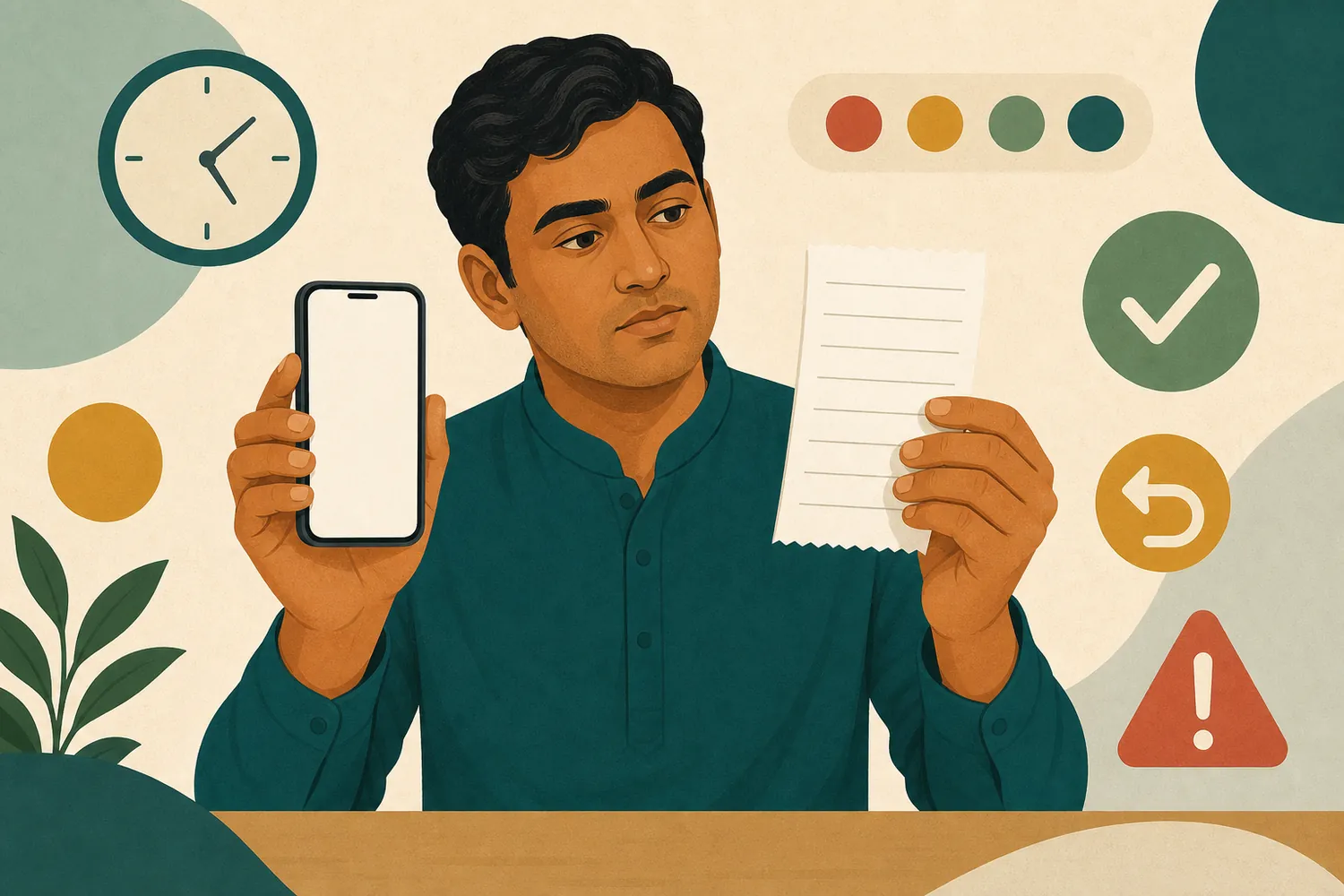
Check if the provider's status is really Completed, or Pending or reversed—then match transaction ID, amount, time, and account history and refresh once.
Not a duplicate payment
Do not send the same amount again until the result of the first request comes.
Withdrawal Pending, Failed, or Returned
Match name, balance, limit, identity verification, and status note. The processing time and required documents shown on the screen are final; do not assume fixed time or guaranteed approval.
Secure evidence for assistance
- Transaction ID, amount, method, and time
- Current status and timeline of previous changes
- Screenshot covering personal information
- A clear description of the problem
Do not send OTP, PIN, password, full card/account number, or complete identification.
Fraud in the name of transactions
Do not send Unlock fee
If asked for extra fee, OTP, PIN, screen share or remote-control App to release withdrawal, stop and keep evidence.
Transaction questions
What is the first step if the balance does not increase?
Do not make the same payment again by matching provider status and transaction ID.
How long will Pending last?
A fixed time is not guaranteed. Follow the processing window of the current screen.
Does support need to be given OTP?
No. Never give OTP, PIN, or password.