
First 15 minutes if in doubt
- Change the password from a trusted device.
- Check if recovery email and phone are correct.
- Use the option to logout of all sessions if available.
- Keep transaction history and alerts.
Unknown OTP or verification message
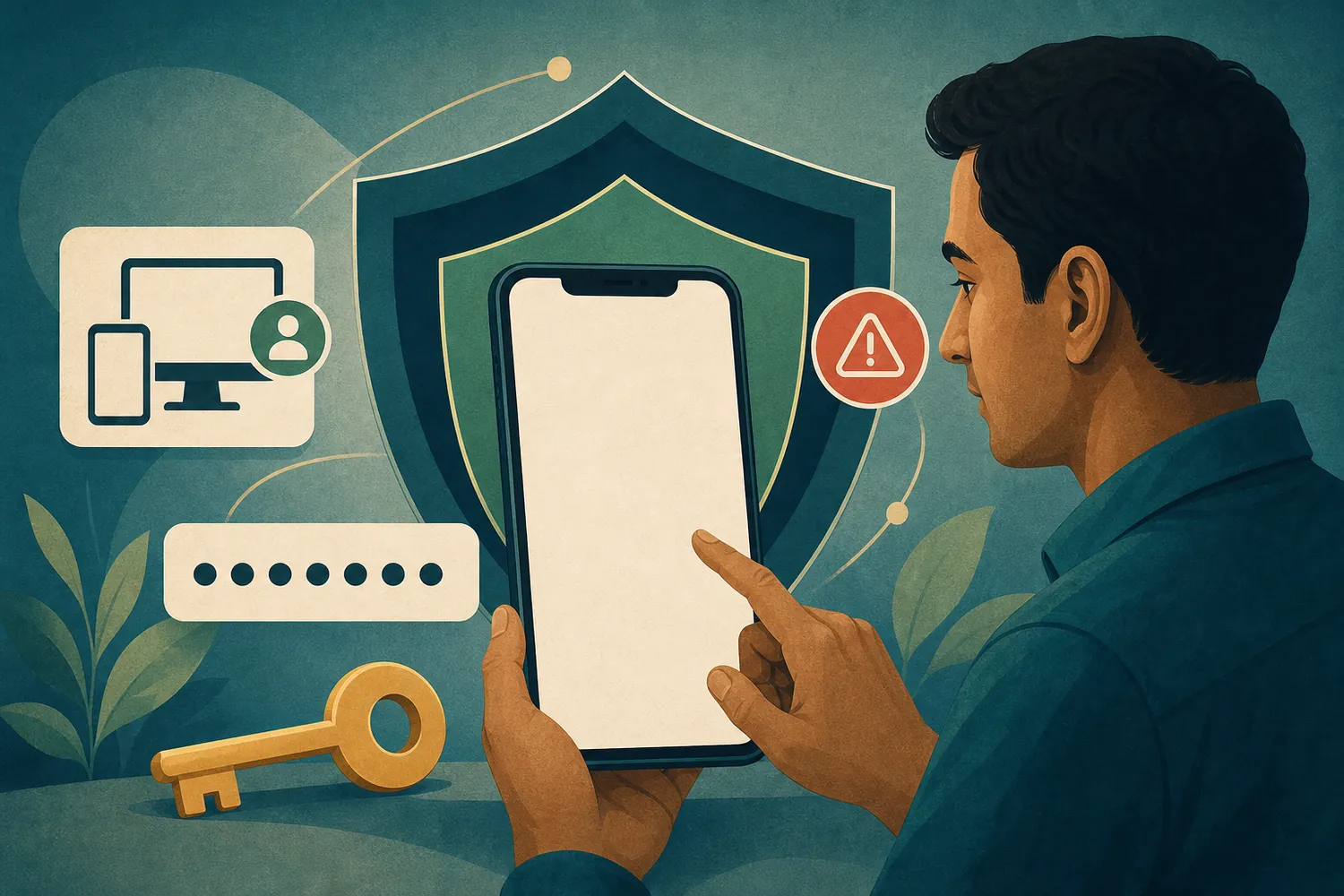
Do not use or share the code if you receive an OTP without starting any action. Open the account from your bookmark and check activity. If two-step verification is available, understand the recovery rules and enable it.
Do not share the code with anyone
Do not give OTP, PIN, password, or recovery code to support personnel.
Recognize fake pages and messages
- Spelling of the domain and unexpected redirects
- Urgent language or tempting confirmed benefits
- Attachment, APK, or short link
- Screen share and remote-control requests
Color or logo-like marks alone are not proof of identity.
Unknown devices or sessions
If there is a device/session list, remove unknown entries by matching time and device. If the phone is lost, secure screen lock, SIM, and recovery email as well.
Unusual transactions or data changes
Check recovery information, balance, and transaction history, and keep ID, time, and masked screenshot. If there are unauthorized payments, use the verified support method of the relevant payment provider.
If asked for money or control in the name of support
End the conversation
Do not pay an unlock fee, stop screen sharing, and save message/number/time. Only use the support option within your verified account if available.
Security questions
What should I do if I see an unknown session?
Change the password, remove the session, and check recovery and transaction history—if options are available.
Should I pay an unlock fee?
No. Do not give money, OTP, or screen control.
Can I keep the same password?
No. Use a different long password for each important account.